
Axon app / Basic functionsThe app,
The app,
explained.
Everything you need to know about the Axon Racing app — dashboard, ride modes, and settings.
01
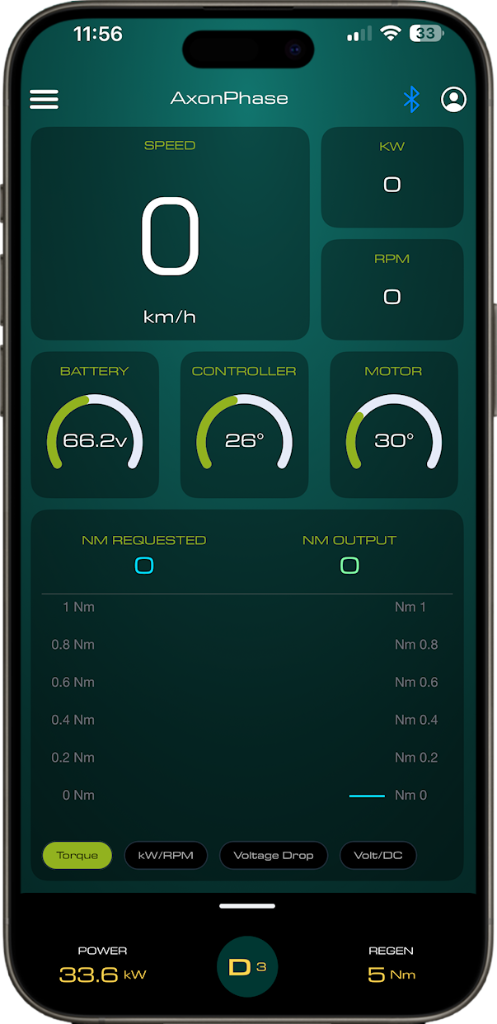
Dashboard
- Speed — displayed in MPH or KM/H
- Power in kilowatts
- Motor RPM
- Battery voltage
- Controller temperature (°C or °F)
- Motor temperature (°C or °F)
Data graphs
- Torque in newton-meters — requested and delivered
- Kilowatts vs motor RPM
- Voltage drop (sag) from the battery pack
- Voltage vs DC amps
At the bottom of the dashboard you can see the power setting in kW for each mode, your active profile (D1, D2, D3), and your regen braking strength.
02
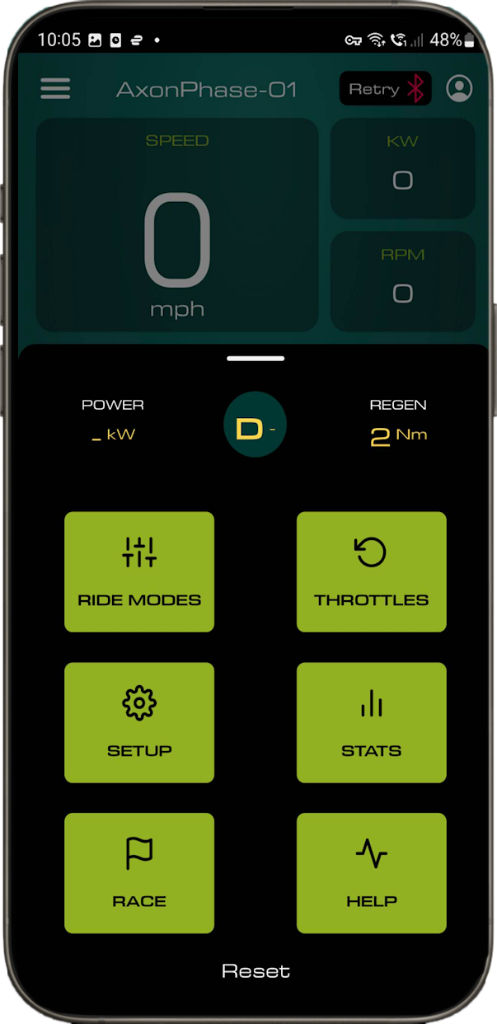
Ride modes
- Max power in kW — adjustable via slider or manual input for three variable power levels
- Max motor torque (phase amps) — independent torque level per ride mode
- RPM limiter — limit motor RPM for desired maximum speed
- Regen braking adjustment (amps) — independent regen strength per mode
03
Battery settings
- Continuous battery discharge setting in amps — adjust to manufacturer spec
- Burst discharge level in amps — enables the BMS boost feature
- Peak battery discharge duration — set within your battery's maximum burst duration to avoid BMS cutout
04
Controller settings
- Coasting regen — enable/disable motor braking on throttle release, adjustable in newton-meters
- Start-up gear — set whether the bike starts in Drive or Neutral
- Field weakening — adjustable via slider for extended RPM range
05
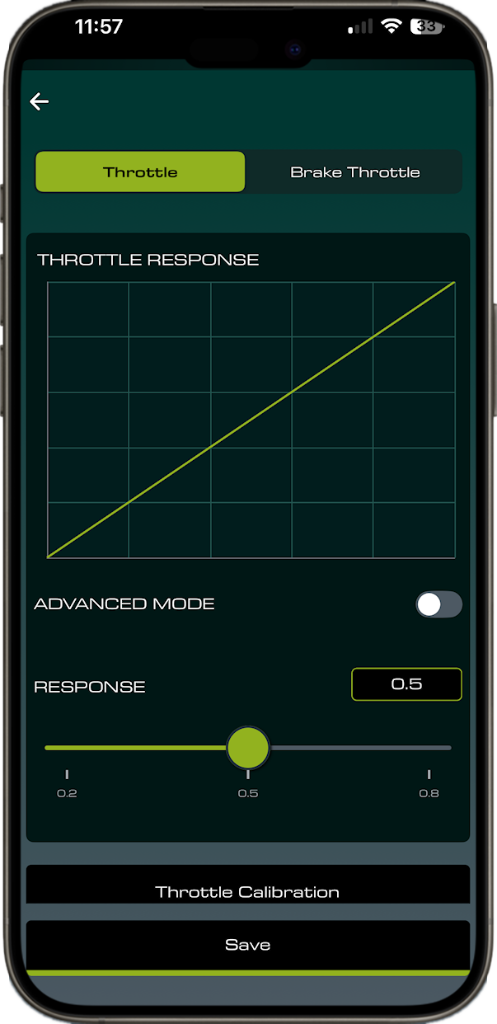
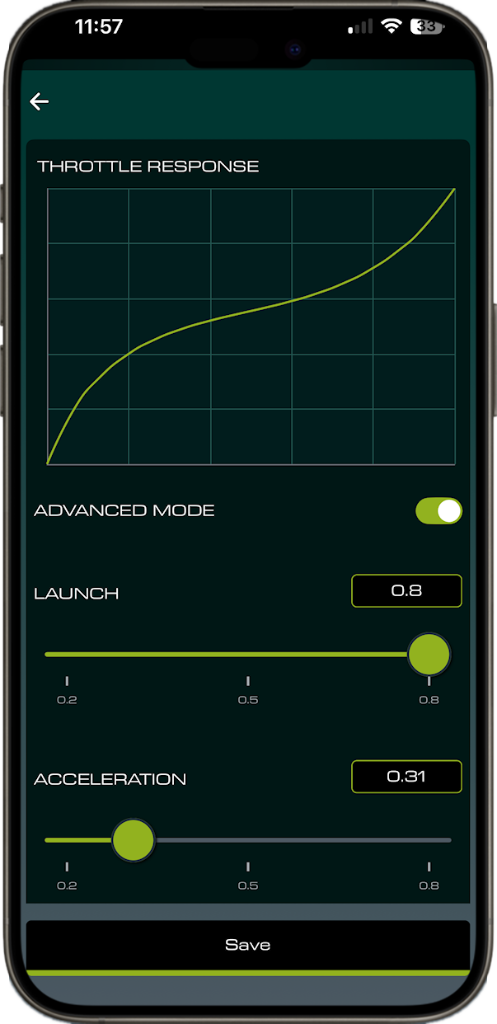
Throttle settings
- Main throttle launch and acceleration curve adjustment
- Regen thumb throttle curve adjustment
- Max brake torque customisation
- All adjustable via the app — no tools required
Next: BMS boost mode
Questions? info@axon.racing